LED Effects Pack: Tutorial Companion
Use ready-made LED animations alongside this tutorial after confirming their format and compatibility with your software and controller.
LED Effects Pack: Tutorial Companion
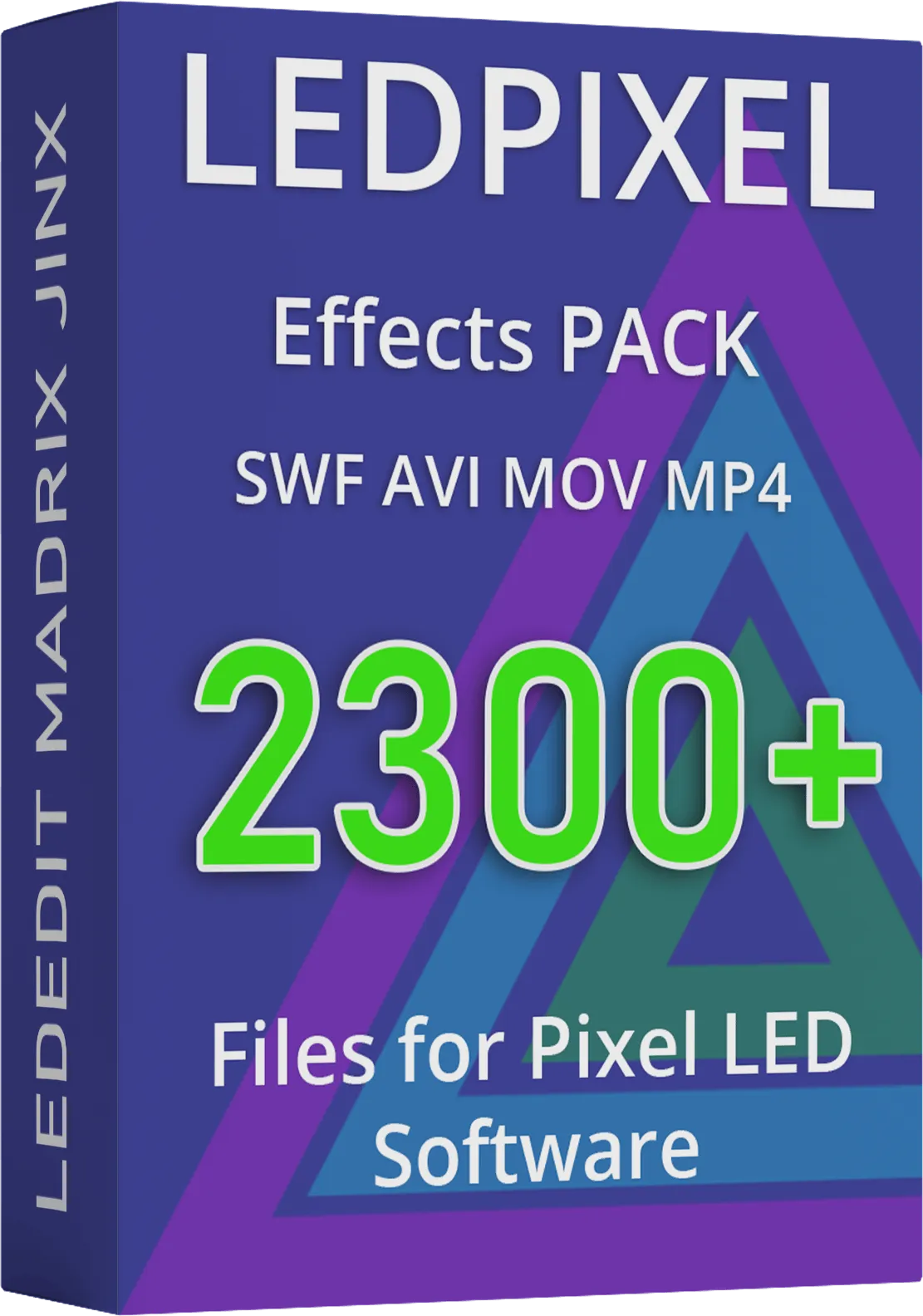
This page links to the LED Effects Pack used as a source of ready-made animations. It is not a bundle, controller, or software licence. The product page is the current source for its formats, licence and included content.
View the LED Effects PackBefore using an effect
- Check that the file format is supported by your chosen software.
- Match the project to the real panel dimensions, wiring direction and pixel order.
- Test a short export on the physical LED display before loading a full show.
For controller-specific setup, see the T-1000S guides and K-1000C guides.