T-1000S vs K-1000C: Which LED Controller Should You Buy?
T-1000S vs K-1000C compared: price ($25-35 vs $45-55), WiFi, memory, LED capacity. Honest breakdown to pick the right pixel LED controller.
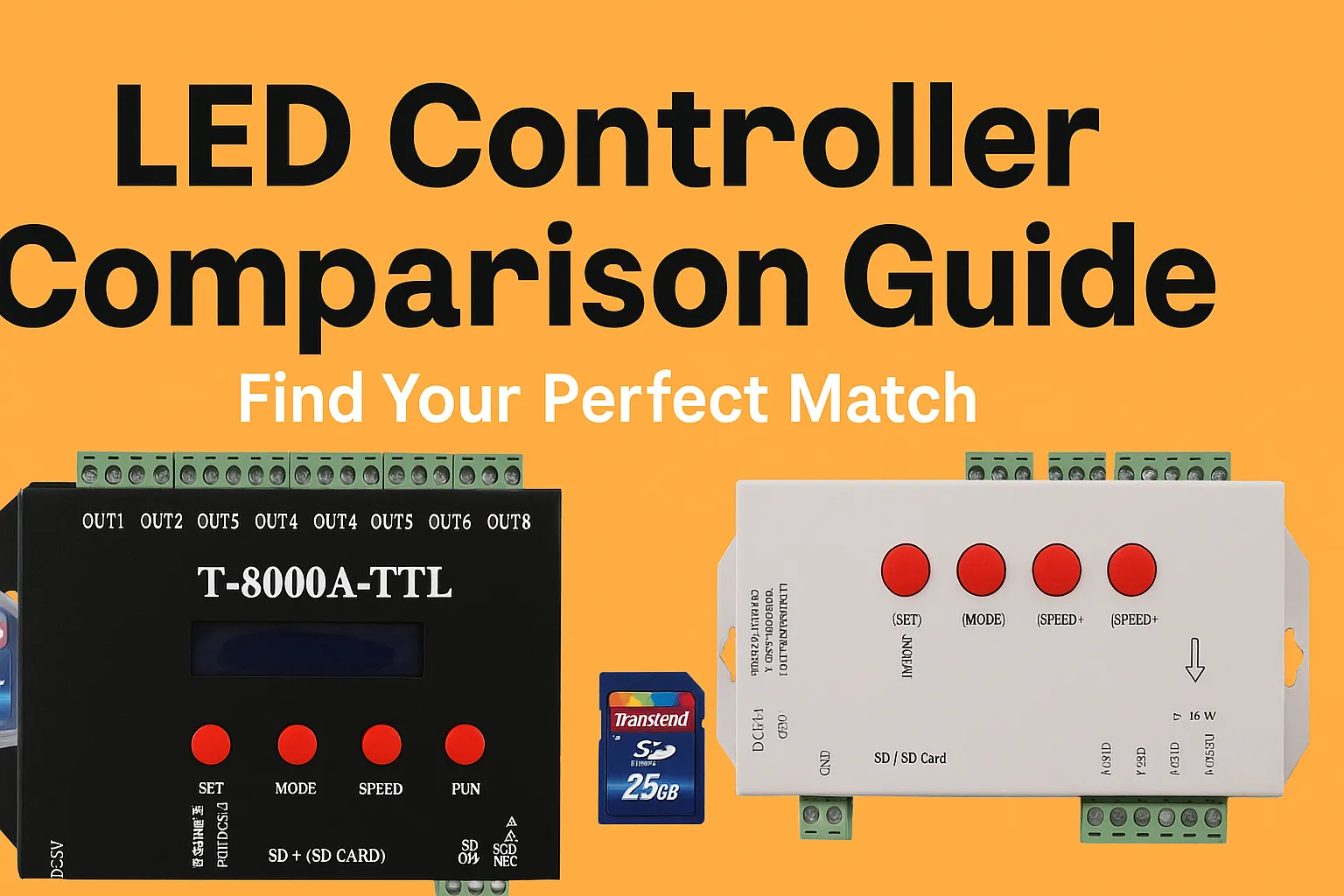
T-1000S vs K-1000C: Which LED Controller Should You Buy?
The T-1000S and K-1000C are the two most popular entry-level pixel LED controllers. Both drive around 2,000 LEDs from an SD card, both work with LEDEdit, and both cost under $60. The differences that matter: WiFi, memory, and ease of use.
Quick Comparison
| T-1000S | K-1000C | |
|---|---|---|
| Price | $25–35 | $45–55 |
| Max LEDs | ~2,048 | ~2,048 |
| WiFi control | No | Yes |
| Memory | 16MB | 32MB |
| Best for | Beginners, simple installs | WiFi control, bigger projects |
Price and Value
The T-1000S costs roughly half the K-1000C. For a single strip behind a TV or a small shop sign, the T-1000S is all you need — the extra $20–25 for the K-1000C buys features a simple install never uses.
Where the K-1000C Wins
WiFi. Program and trigger effects from your phone instead of pulling the SD card every time you change something. On installed displays (ceilings, facades, shops), this alone justifies the price.
Memory. 32MB vs 16MB means longer and more complex effect files without splitting projects.
Where the T-1000S Wins
Price and simplicity. The cheapest reliable way to drive WS2812B/WS2811 pixels. Fewer features means fewer things to configure wrong — ideal first controller. See the T-1000S setup guide and programming guide.
Which Should You Buy?
- First controller, simple project: T-1000S. See price and where to buy.
- Installed display you can’t reach easily: K-1000C for WiFi.
- Over 2,000 LEDs: neither — look at the K-8000C class in the full controller comparison.
FAQ
Can both run LEDEdit effects? Yes. Both play SWF/AVI effects made in LEDEdit. See how to use custom effects files and the 1850+ effects pack.
Is the K-1000C just a more expensive T-1000S? No — WiFi control and double memory change how you work with installed displays, not just the spec sheet.
Which is more reliable? Both are proven designs with huge installed bases. Reliability differences come from power supply quality and wiring, not the controller choice — see the troubleshooting guide.