LED Effects Gallery: Planning Content for Pixel LED Displays
An honest planning guide for selecting, testing and exporting LED effects for pixel LED displays and controllers.
LED Effects Gallery: Planning Content for Pixel LED Displays
Good LED content starts with the display, not a generic download list. The panel resolution, viewing distance, colour order, controller and event setting all affect which animation will work well. This guide helps you choose and test effects without claiming files, bundles or compatibility that have not been verified.
Choose effects for the display
Use bold shapes and clean movement on lower-resolution panels. Fine typography and tiny detail can disappear when viewed from a distance. For a long-running installation, choose loops that remain pleasant after repeated viewing and do not create excessive visual flicker.
Test the complete path
Test the original animation, the software project and the final controller export. A video that plays on a computer is not automatically compatible with a controller. Confirm the matrix dimensions, wiring direction, pixel order and output format on a small section of the installation first.
Ready-made effects
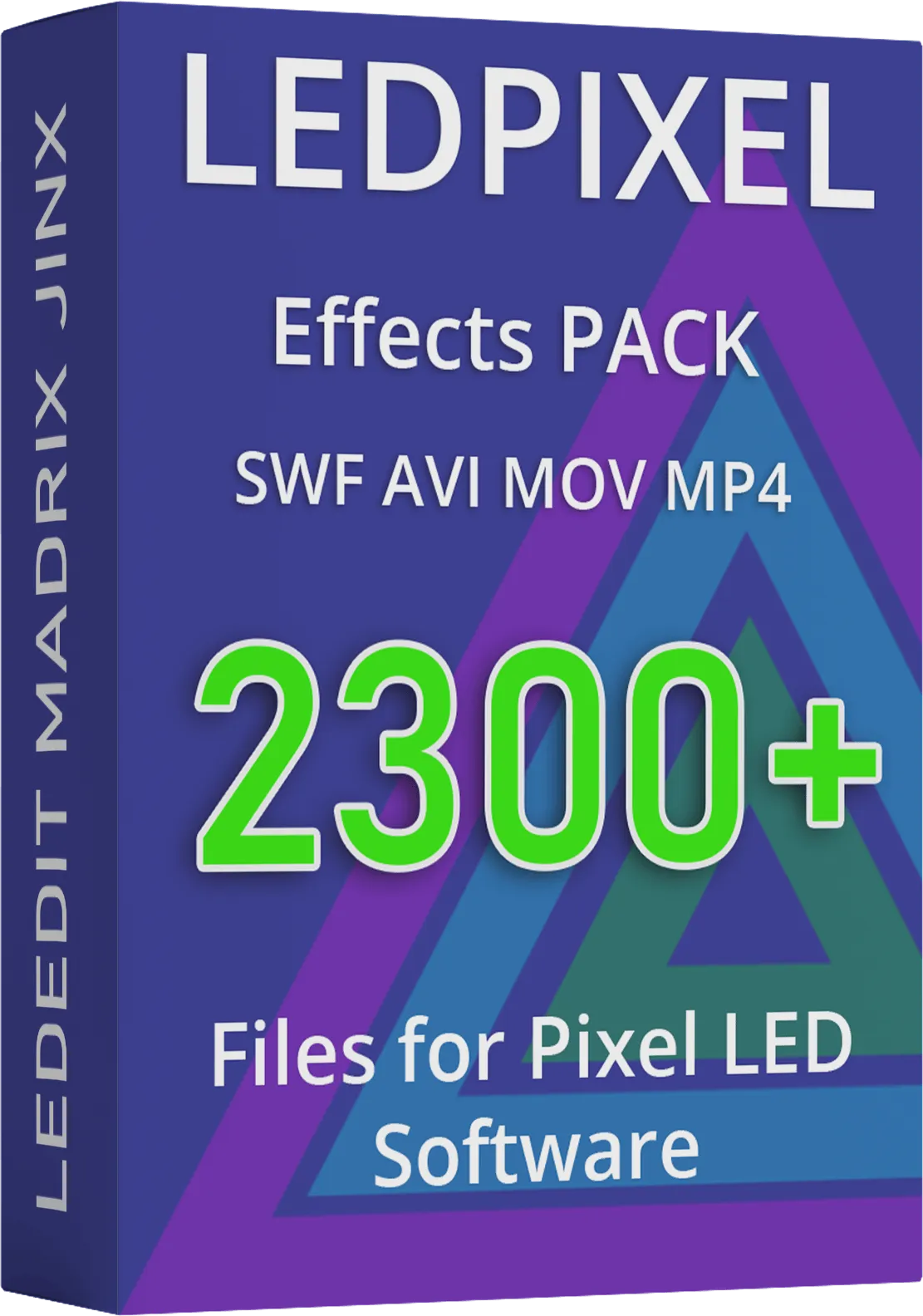
The LED Effects Pack provides ready-made animations for compatible LED workflows. It is not a controller, a bundle of unrelated software or a promise that every format works with every controller. Check the product page for current formats, licence and compatibility notes.
View the LED Effects PackSoftware for programming controllers
For supported controller families, LEDEdit Pro 2026 offers a multi-layer timeline, LED mapping, live preview and .led export. Confirm the controller and LED IC are supported before choosing a workflow.
You can continue with the LED effects tutorials or consult the controller guides before preparing a full installation.