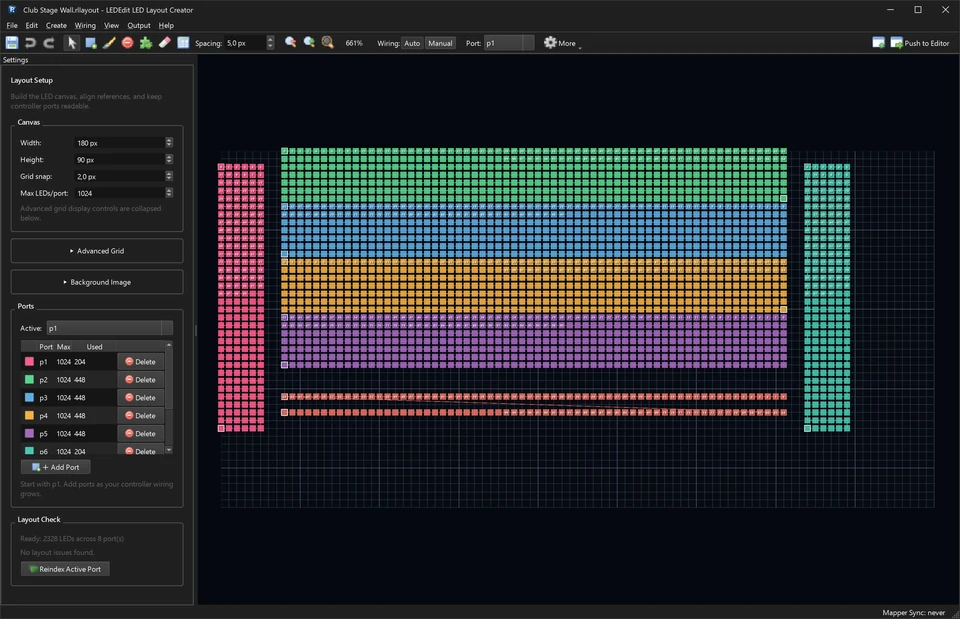
LEDEdit Pro 2026: Modern LED Video Editor for T-1000 and K-1000 Controllers
LEDEdit Pro 2026 brings timeline editing, 151 effects, DXF layout import and direct .led export to T-1000S, K-1000C and 19 controller families.
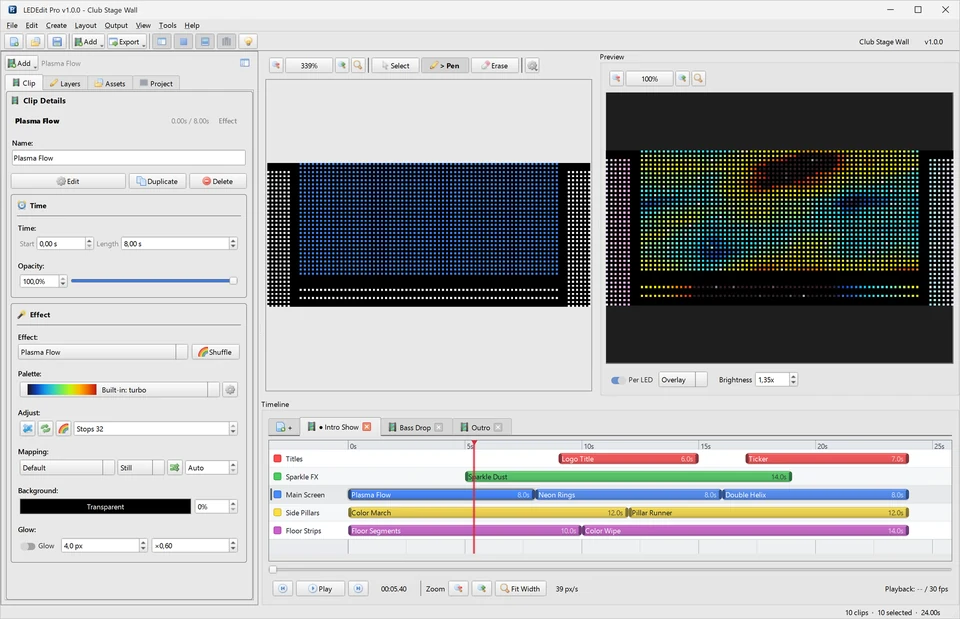
Table of Contents
LEDEdit Pro 2026 is a modern LED video editor built for T-1000, K-1000 and 19 controller families. It combines a multi-layer timeline with 151 effects and 149 palettes, DXF layout import, per-LED live preview and direct .led export to SD card — everything between your idea and playback on real hardware, in a single Windows app.
If you grew up with LEDEdit 2014, think of Pro 2026 as the workflow you always wanted: visual editing instead of cryptic dialogs, instant preview instead of export-and-pray, and one-click output instead of manual file juggling.
Edit shows on a multi-layer timeline
Instead of programming one program slot at a time, you arrange your whole show on scenes and layers. Stack a background wave, overlay text or emoji clips, and fade between scenes — exactly like editing video.
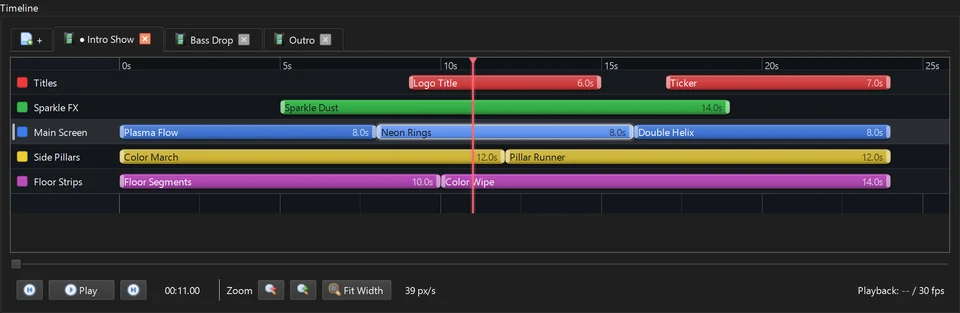
Pro Tip: Build one scene per song or moment of your event. Switching scenes live is far easier than reprogramming the controller on site.
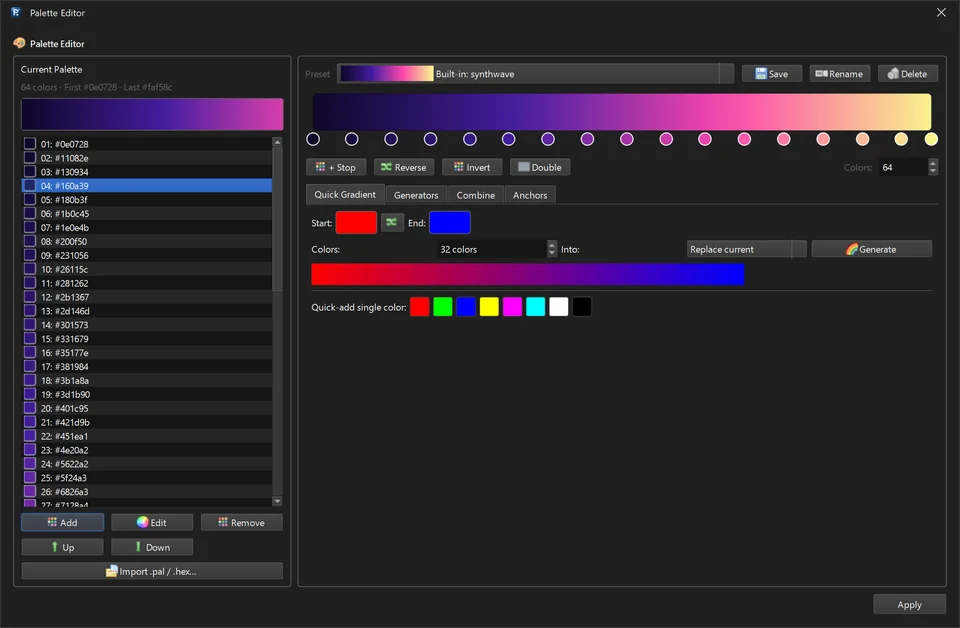
151 effects and 149 palettes included
Every effect is keyframeable: speed, direction, color, scale and intensity can all change over time. The palette system keeps multi-zone installations color-consistent, and the auto-animate tools generate variations when you are short on time.
Map any layout with DXF import
Real installations are rarely straight strips. Import your DXF plan, mask the canvas to your exact LED positions, and what you see in the preview is what the building, sign or stage will show.
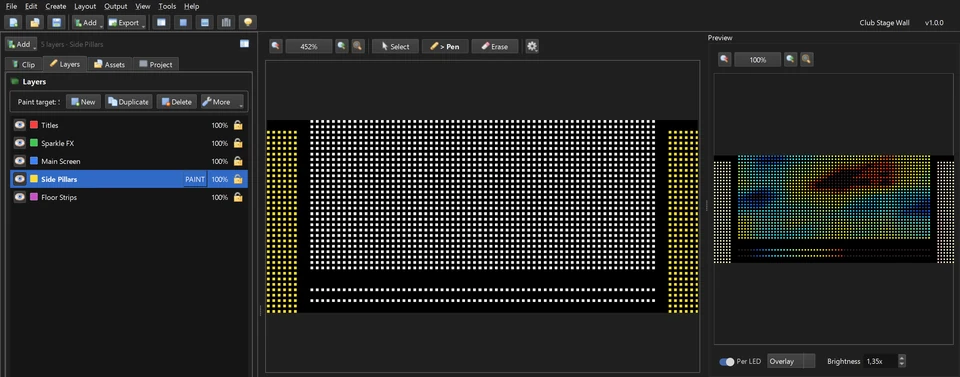
New to controller wiring? Start with our T-1000S setup guide or compare models in the LED controllers guide.
Per-LED live preview and output routing
The live output view shows every pixel before you export, and the output menu routes your canvas to SD-card controllers or live protocols. Catch color-order and mapping mistakes on screen — not on the ladder.
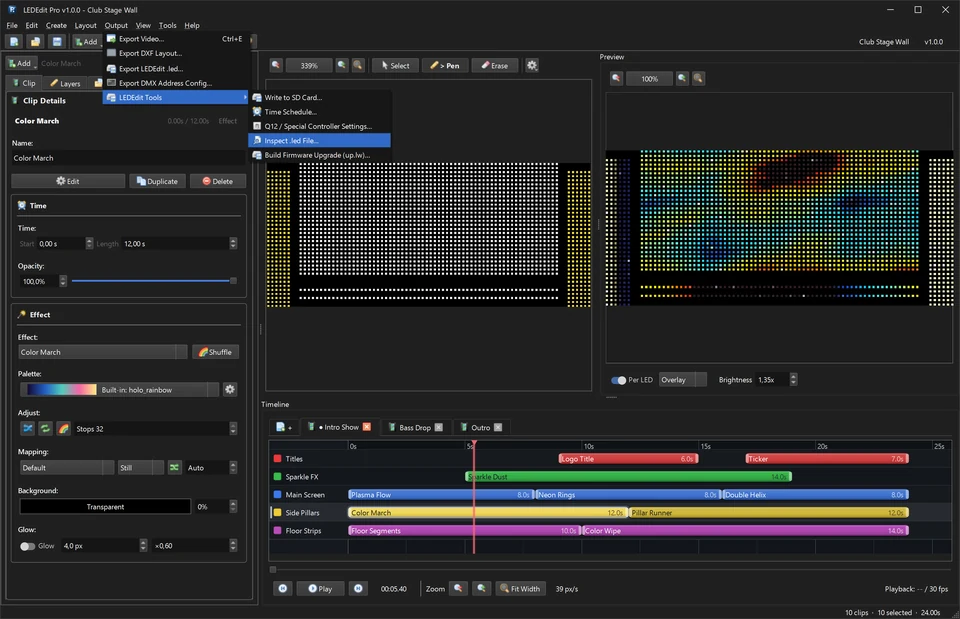
Direct .led export for 19 controller families
One export writes a ready-to-play .led file for your controller family — including popular models like the T-1000S, K-1000C, T-8000A and K-8000D. Copy it to the SD card and press play. No converter tools, no format guessing.
Who should upgrade from LEDEdit 2014?
- Event and stage crews who build a new show every weekend and need speed.
- Signage and architectural installers with irregular layouts that need DXF mapping.
- LEDEdit 2014 veterans hitting its limits: no timeline, no preview, painful multi-controller projects.
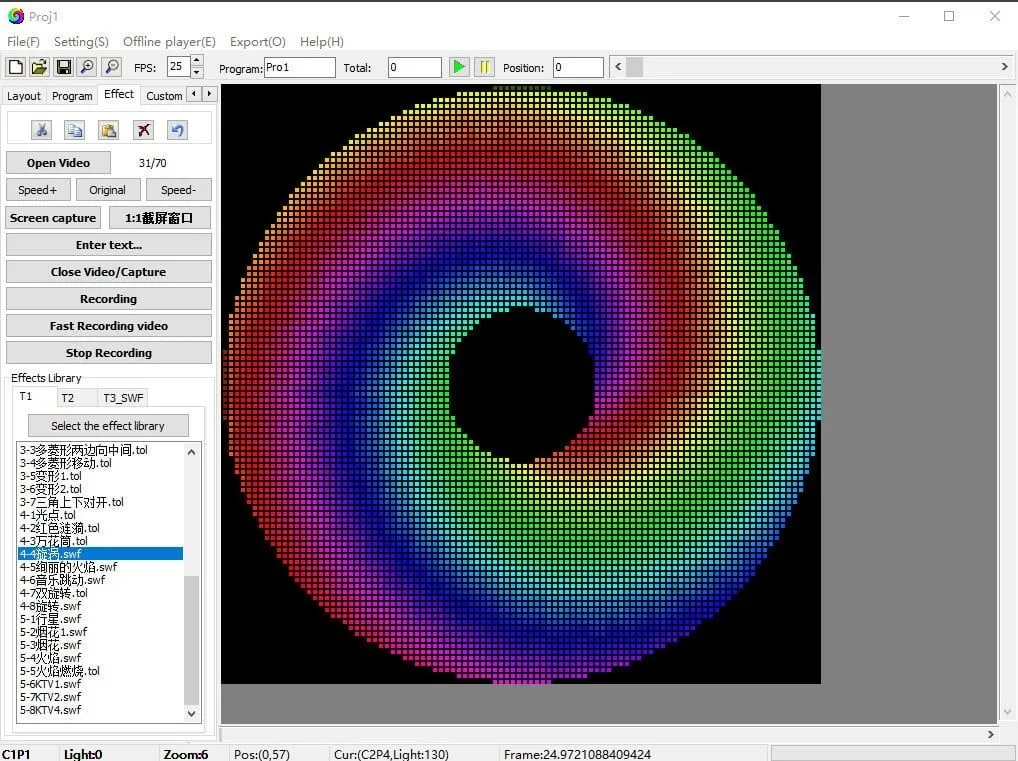
Prefer generating effects with code-like control? Our Pixel LED Animator remains the best companion for creating custom animations to import into your Pro 2026 timeline.
Pair it with ready-made effects
Need content tonight? Our LED effects pack gives you 1,850+ SWF and AVI animations that drop straight into your workflow while you learn the editor.
Frequently asked questions
Does LEDEdit Pro 2026 replace LEDEdit 2014? For new projects, yes — it covers the same controllers with a far faster workflow. Keep 2014 installed only for legacy project files.
Which controllers are supported? 19 families and 334 chip configurations, including the T-1000S, K-1000C, T-8000A, K-8000D, K-8000C, T-4000 and T-1000A. Check the controllers guide for your exact model.
Can I try it before buying? Yes — download it from the official site, build a full project, and buy a license when you are ready to export for client work.
Get LEDEdit Pro 2026
Ready to modernize your LED workflow? Learn more about LEDEdit Pro 2026 or get your license and build tonight’s show on a real timeline.