LEDEdit 2014 vs 2024: What's Changed and Which to Use?
LEDEdit 2014 vs 2024 compared: features, compatibility, stability. Which version to use for T-1000S, K-1000C and modern LED projects.
LEDEdit 2014 vs 2024: What’s Changed and Which to Use?
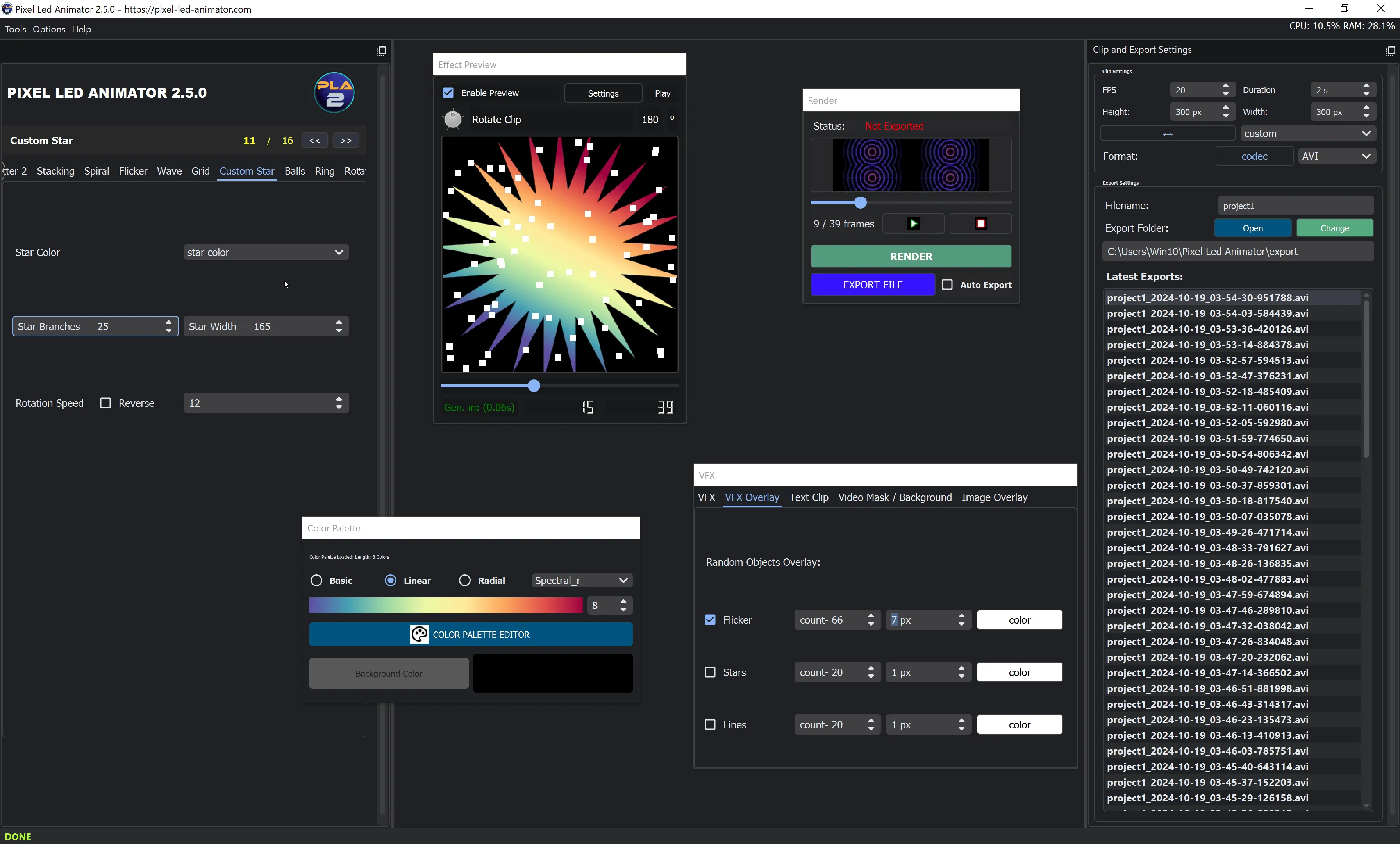
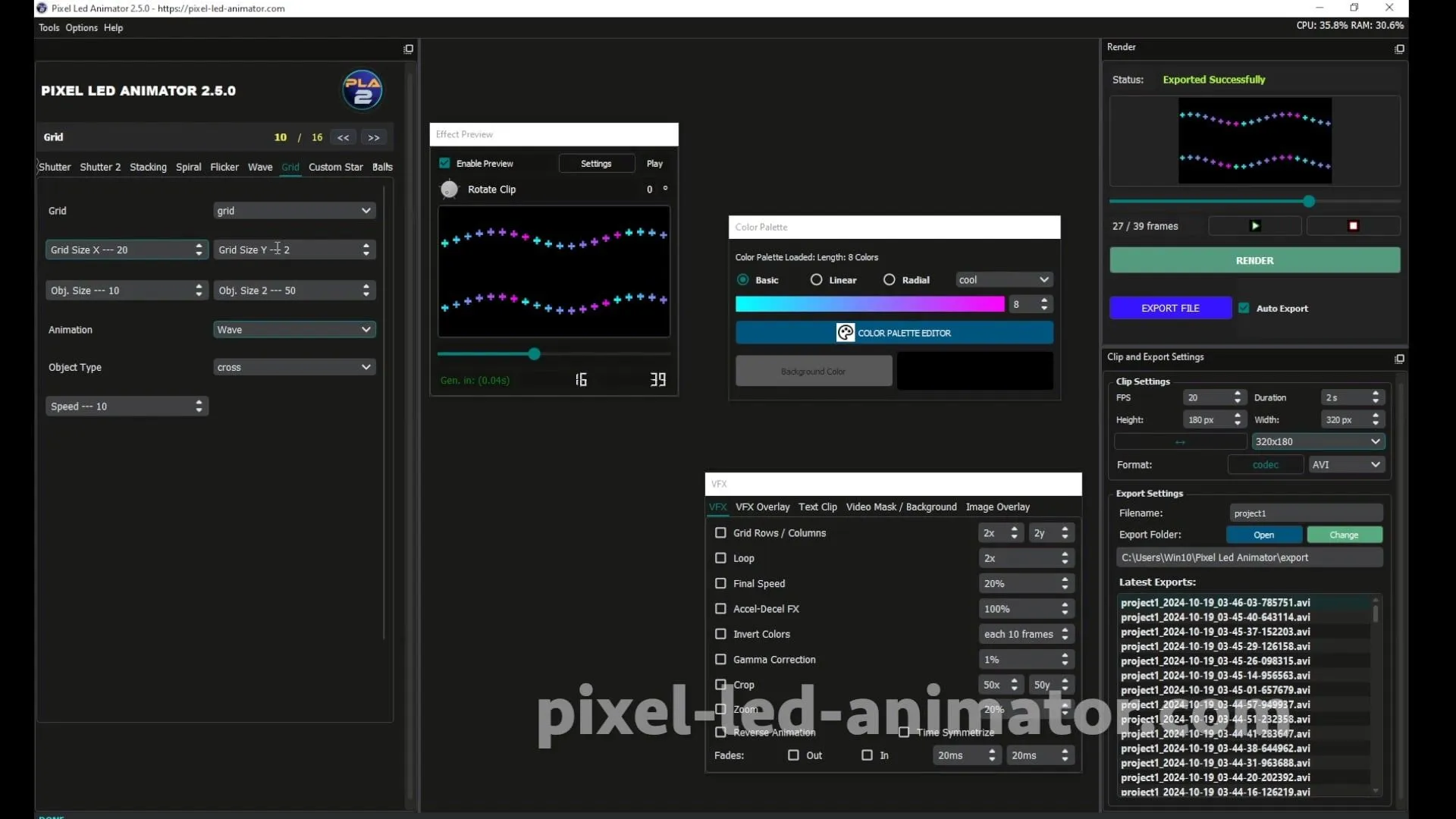
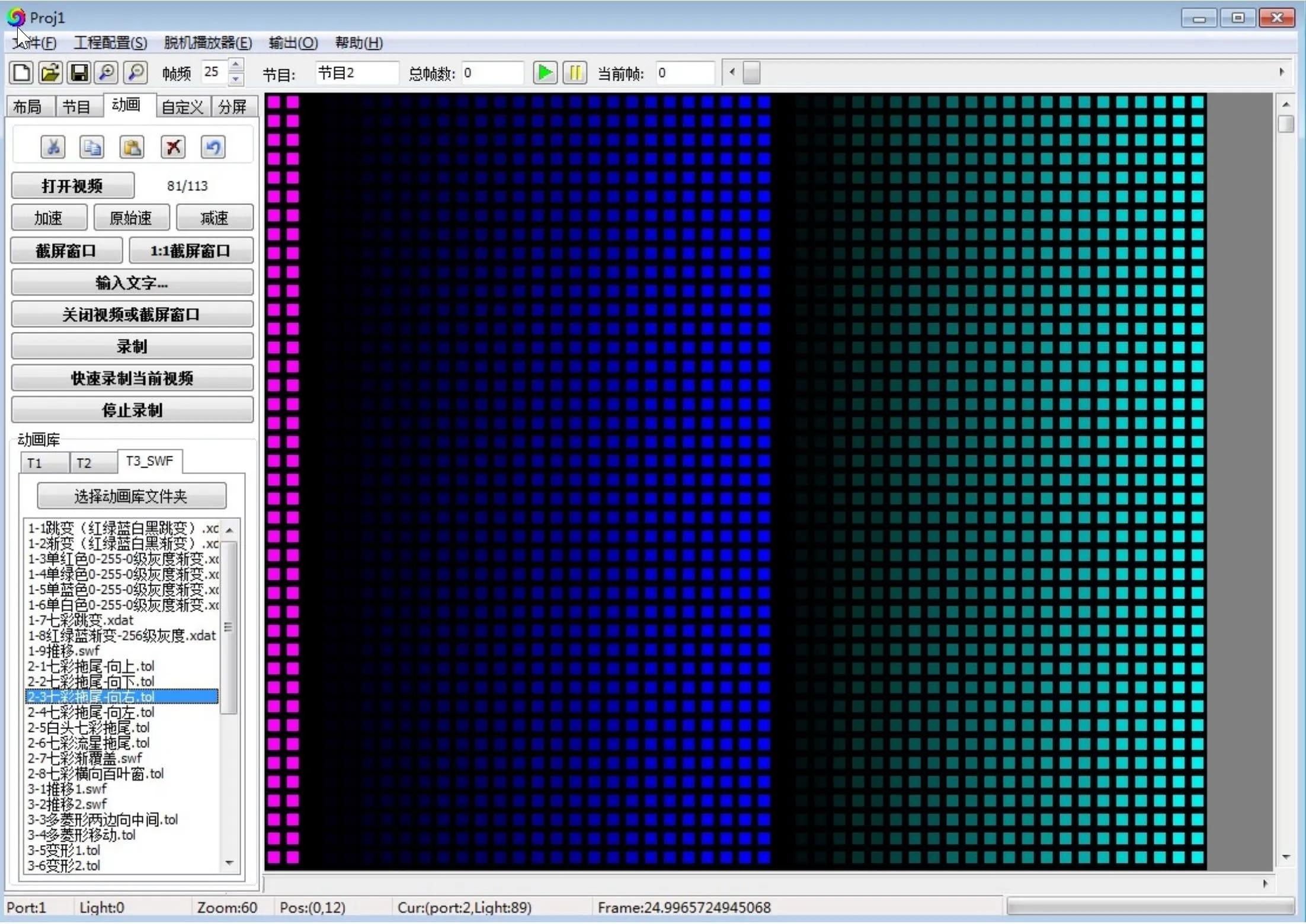
LEDEdit 2014 is the classic everyone knows; the 2024 builds add a decade of fixes and features. Both are free. The right choice depends on your controller and how much troubleshooting patience you have.
Quick Comparison
| LEDEdit 2014 | LEDEdit 2024 builds | |
|---|---|---|
| Price | Free | Free |
| Stability | Rock-solid, well documented | Good, occasional quirks |
| Controller support | T-1000S and classics | Wider, incl. newer K-series |
| Features | Basics done well | More effects, better UI |
| Tutorials available | Enormous (2014 download + guide) | Growing (2024 walkthrough) |
| Best for | Proven installs, old controllers | New projects, new controllers |
Where 2014 Wins
Every problem has been solved by someone already. If your controller is a T-1000S and your project is standard strips, 2014 is the path of least resistance — thousands of tutorials match its screens exactly.
Where 2024 Wins
Newer controllers, better effect tools, and a modern interface. If you’re buying hardware today, start with the current build and only fall back to 2014 if something specific misbehaves.
Can They Coexist?
Yes — install both, use 2024 for new work, keep 2014 for legacy projects. Effect files (SWF/AVI) move between them; see using custom effects.
What About LEDEdit Pro 2026?
A separate modern editor (€99) with timeline and video workflow for T-1000/K-1000 controllers — not a free version upgrade. See is LEDEdit free? for the full cost picture and the Pro setup guide.
FAQ
Which version for a T-1000S? Either. 2014 for maximum tutorial match, 2024 for a nicer experience.
Which version for a K-1000C? 2024 builds — better support for newer controllers.
Are my old effect files compatible? SWF/AVI effects generally work across versions. When in doubt, test one file before migrating a whole project.