LED Programming Guide: Complete Tutorial from Beginner to Professional
Master LED programming in 2024 with our comprehensive guide covering LEDedit, Pixel LED Animator, controller setup, effects creation, and professional techniques. Step-by-step tutorial for all skill levels.
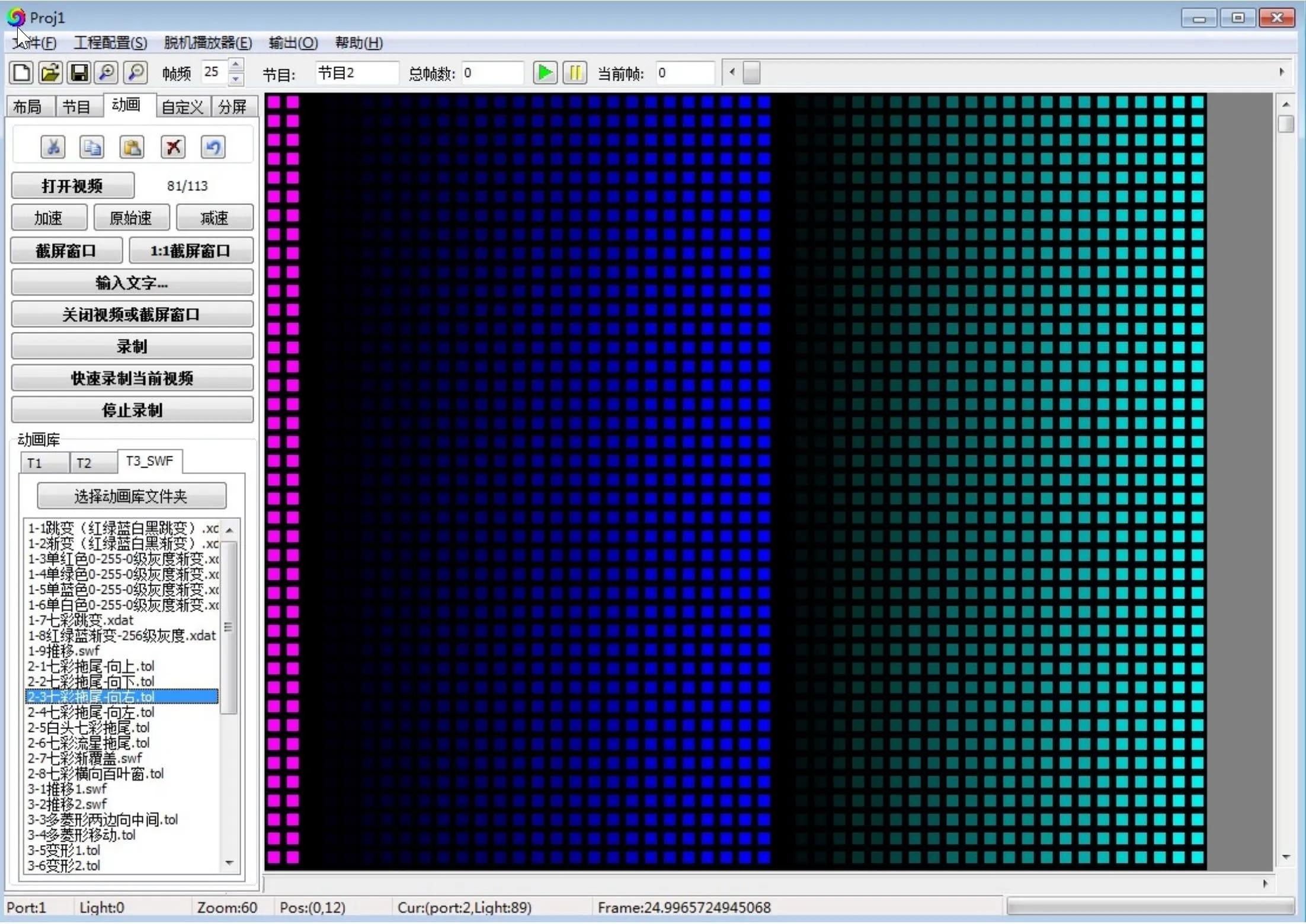
Table of Contents
LED Programming Guide 2024: Complete Tutorial from Beginner to Professional
Welcome to the most comprehensive LED programming guide for 2024! Whether you’re a complete beginner looking to create your first LED animation or a professional seeking advanced techniques, this step-by-step tutorial will transform you into an LED programming expert.
What You’ll Learn in This Guide
- Complete LED programming workflow from setup to professional deployment
- Latest 2024 software features including LEDedit 2024 and Pixel LED Animator 3.0
- Controller programming for T-1000S, K-1000C, K-8000C and professional systems
- Professional effects creation with real-time preview and multi-format export
- Industry applications for architectural, entertainment, and commercial projects
- Advanced techniques used by professionals in 150+ countries
Getting Started: LED Programming Fundamentals
Understanding LED Technology in 2024
LED programming has evolved dramatically in recent years. Modern LED systems support:
- Addressable LEDs (WS2812B, SK6812, APA102) with individual pixel control
- High-density matrices up to 16,384 pixels on single controllers
- Real-time synchronization across multiple controllers
- Wireless programming via WiFi and mobile apps
- Professional software with AI-assisted effects generation
Essential Hardware Requirements
LED Controllers
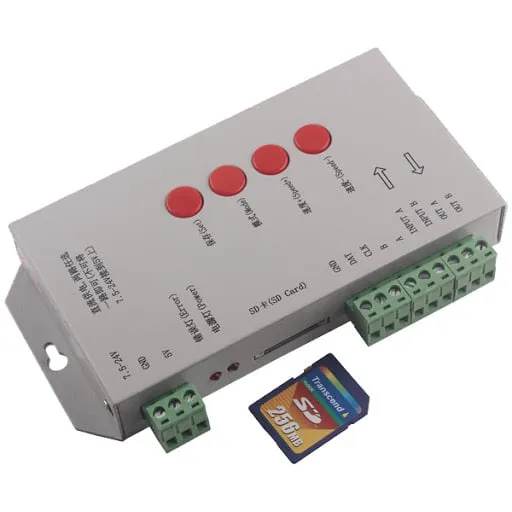
- T-1000S - Budget-friendly starter controller (2048 pixels)
- K-1000C - WiFi-enabled with mobile app support (2048 pixels)
- K-8000C - Professional grade with cloud sync (8192 pixels)
- T-8000A - Large venue controller (16,384 pixels)
LED Types
- LED Strips - Flexible lighting for linear installations
- LED Matrices - Grid-based displays for complex animations
- LED Panels - Modular systems for large-scale projects
- Pixel LEDs - Individual addressable LEDs for custom designs
Power Requirements
- 5V DC for standard pixel LEDs
- 12V DC for longer strip runs
- Power injection every 5 meters for strips
- 20% overhead for stable operation
Software Setup and Installation
LEDedit 2024: Latest Features and Installation
What’s New in LEDedit 2024 v10.3
- Advanced timing functions with date interval and week-based scheduling
- Remote management via WiFi connection
- Extended IP functionality for network expansion
- Enhanced chip support for UCS7604, UCS7804, WS2818_NEW
- Optimized layout supporting 59999×59999 pixel arrangements
Installation Steps
- Download LEDedit 2024 from official sources
- Install drivers for your specific controller
- Configure software settings for your LED type
- Test connection with sample effects
- Update firmware for latest features
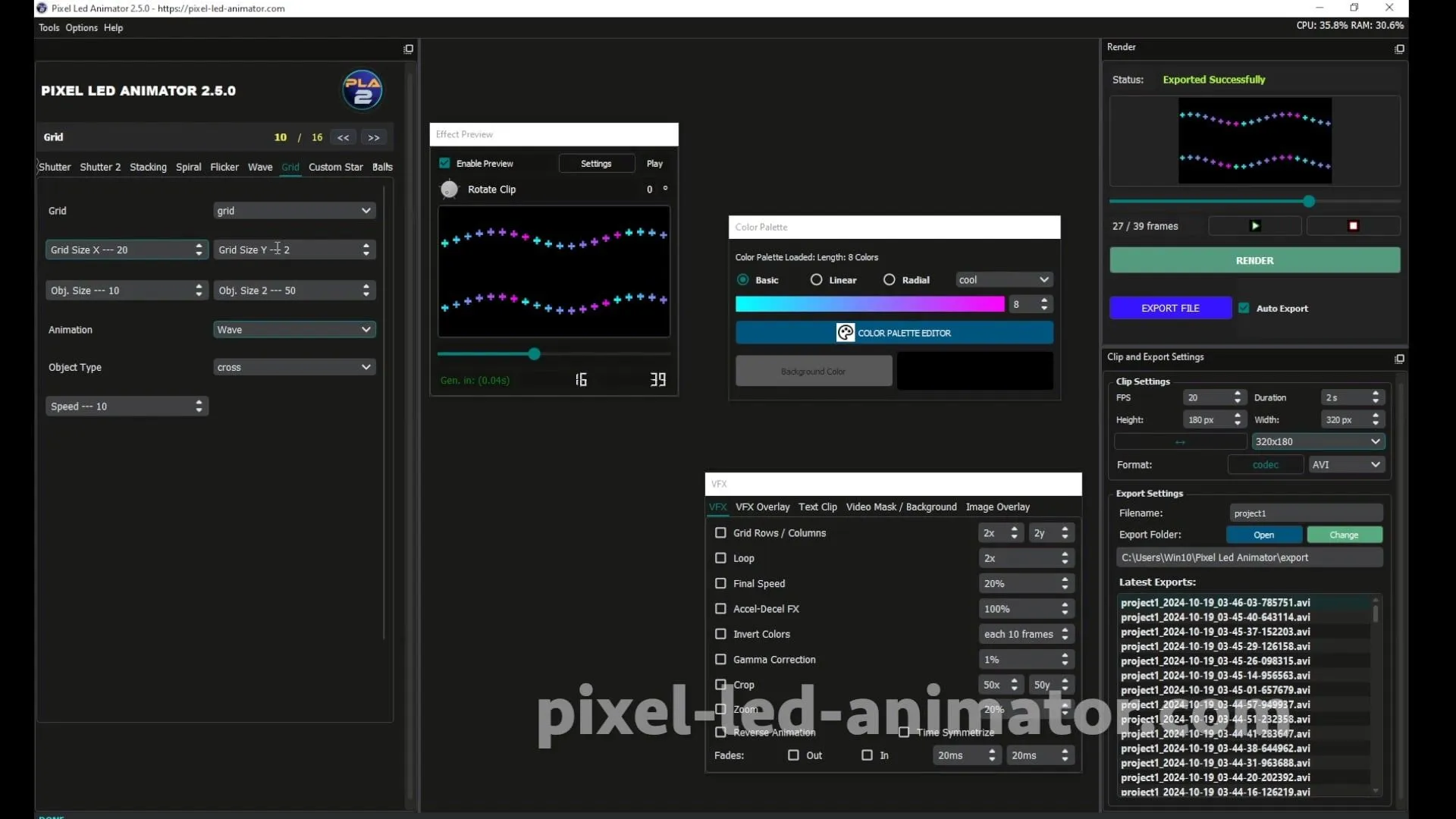
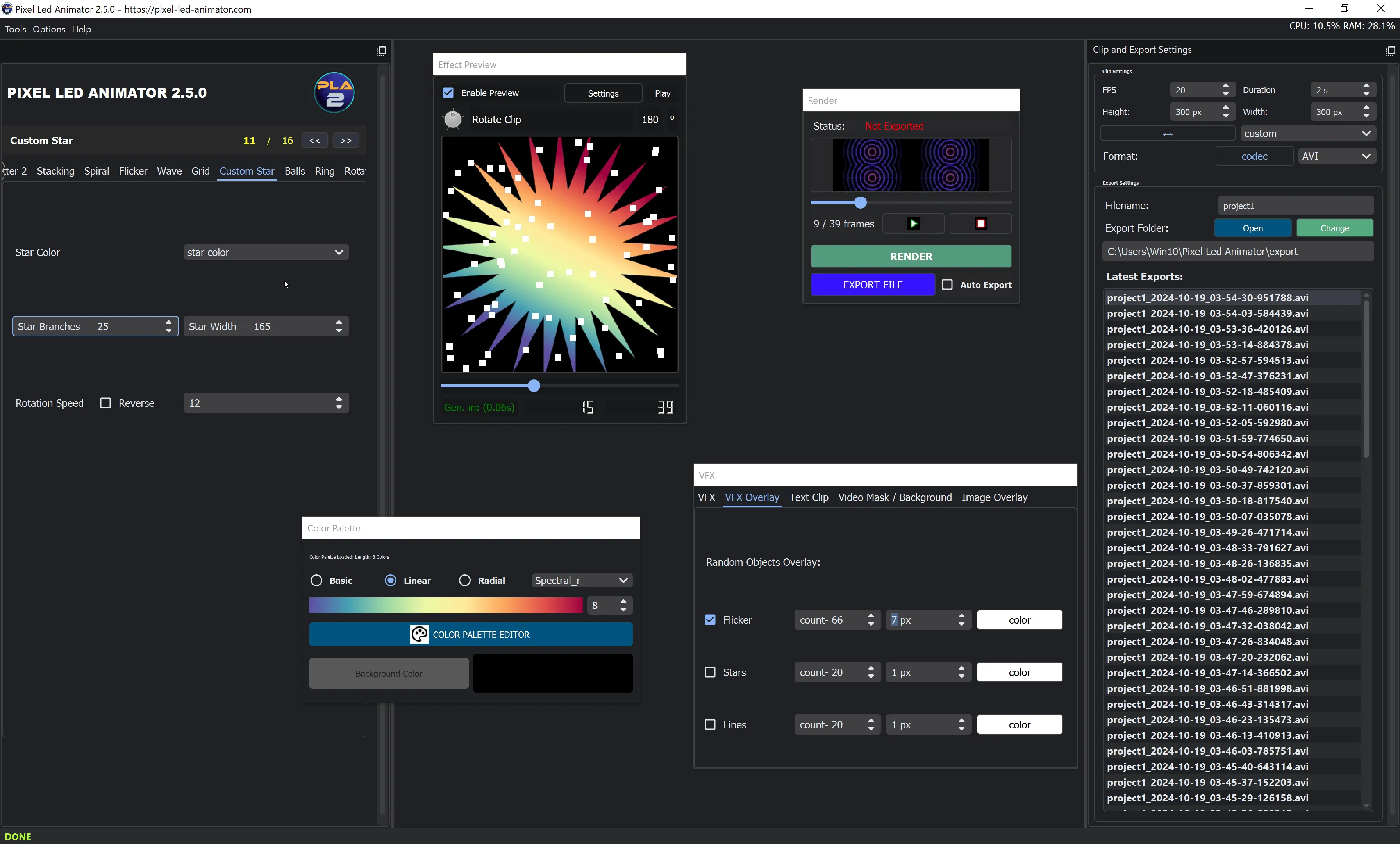
Pixel LED Animator 3.0: Professional Effects Creation
Key Features
- 200+ built-in effects with customizable parameters
- Real-time preview with instant visual feedback
- Multi-format export (AVI, SWF, GIF, MP4, WebP)
- Advanced color mapping with 100+ color schemes
- High-performance rendering for millions of LEDs
Professional Workflow
- Design your pattern using intuitive drawing tools
- Customize effects with advanced parameters
- Preview in real-time on virtual LED matrix
- Export in multiple formats for different controllers
- Deploy to hardware via USB or WiFi
Controller Programming: Step-by-Step
T-1000S Programming Guide
Hardware Setup
- Connect power supply (5V/12V DC with proper amperage)
- Wire LED data line to controller output
- Insert SD card formatted as FAT32
- Connect USB for programming
- Test with basic effect
Software Configuration
- Select controller type in LEDedit
- Set LED parameters (type, length, density)
- Create effect timeline with keyframes
- Export to SD card in correct format
- Test on hardware and adjust timing
K-1000C WiFi Controller Setup
Advanced Features
- Mobile app control via iOS and Android
- WiFi programming without USB connection
- Remote management from anywhere
- Cloud storage for effect libraries
- OTA updates for latest features
Setup Process
- Connect to WiFi network using mobile app
- Configure controller settings via web interface
- Upload effects wirelessly
- Schedule playback with advanced timing
- Monitor performance remotely
Professional Effects Creation
SWF Effects: Flash-Based Animations
Creating Professional SWF Effects
- Design animation frames in Pixel LED Animator
- Set timing parameters (fps, duration, transitions)
- Add color gradients and effects layers
- Preview in real-time on virtual display
- Export as SWF for LEDedit compatibility
Best Practices
- Keep file sizes under 10MB for smooth playback
- Use 30fps for optimal performance
- Limit color depth to 256 colors for compatibility
- Test on target hardware before deployment
AVI Video Effects: High-Quality Animations
Professional AVI Creation
- Create video timeline with multiple layers
- Add effects and transitions using professional tools
- Optimize for LED display (resolution, frame rate)
- Convert to AVI with proper compression
- Test playback on target controller
Technical Specifications
- Resolution: Match LED matrix dimensions
- Frame rate: 30fps for smooth animation
- Codec: H.264 for best compression
- Bitrate: 5-10 Mbps for quality vs size balance
Advanced Programming Techniques
Real-Time Effects Generation
Live Performance Setup
- Connect MIDI controller for live triggering
- Configure real-time parameters (speed, intensity, color)
- Set up audio synchronization for music-reactive effects
- Create effect banks for quick switching
- Test latency and optimize performance
Professional Applications
- DJ performances with music-synchronized effects
- Live events with interactive lighting
- Theater productions with cue-based effects
- Installations with sensor-driven animations
Multi-Controller Synchronization
Synchronization Methods
- Master-slave configuration for coordinated displays
- Network timing protocols (Art-Net, sACN)
- GPS synchronization for multiple locations
- Wireless sync via WiFi protocols
- Hardware sync cables for precise timing
Implementation Steps
- Design network topology for optimal performance
- Configure master controller with timing signals
- Set up slave controllers to receive sync
- Test synchronization across all displays
- Monitor performance and adjust as needed
Industry-Specific Applications
Architectural Lighting Design
Building Façade Lighting
- Survey installation site and measure dimensions
- Design pixel mapping for building features
- Create architectural effects (color washes, patterns)
- Implement control systems for scheduling
- Ensure compliance with local regulations
Professional Techniques
- Pixel mapping for complex building shapes
- Zoning for different architectural elements
- Daylight harvesting for energy efficiency
- Integration with building management systems
Entertainment Industry Applications
Concert and Stage Lighting
- Design stage layout with LED positions
- Create show effects synchronized with music
- Implement real-time control for live performances
- Set up safety protocols for reliable operation
- Train technical staff on operation and maintenance
Sports Venue Lighting
- Team color displays with animated transitions
- Score graphics and statistics displays
- Crowd engagement effects and interactions
- Emergency messaging capabilities
Troubleshooting and Optimization
Common Issues and Solutions
Hardware Problems
- Flickering LEDs: Check power supply and connections
- Color issues: Verify data line integrity and controller settings
- Partial display failure: Test individual LED sections
- Sync problems: Check network configuration and timing
Software Issues
- Export failures: Verify file formats and storage space
- Playback problems: Check effect compatibility and controller firmware
- Connection drops: Update drivers and check USB cables
- Performance issues: Optimize effect complexity and resolution
Performance Optimization
Best Practices
- Use appropriate resolution for display size
- Optimize file sizes for smooth playback
- Regular firmware updates for latest features
- Proper power management for stable operation
- Regular maintenance for long-term reliability
Professional Tips and Tricks
Industry Expert Recommendations
Design Principles
- Less is more - Focus on impactful effects
- Consistency matters - Maintain cohesive visual style
- Test thoroughly - Verify all effects on target hardware
- Plan for maintenance - Design for easy service access
- Document everything - Keep detailed setup records
Technical Optimization
- Use quality components for reliability
- Implement proper cooling for extended operation
- Create backup systems for critical applications
- Monitor performance with automated alerts
- Stay updated with latest technology trends
Future Trends and Technologies
2025 and Beyond
Emerging Technologies
- AI-generated effects for automated content creation
- Quantum dot LEDs for enhanced color accuracy
- Li-Fi communication through LED systems
- Bioluminescent integration for natural lighting effects
- Holographic displays for 3D LED presentations
Industry Growth
- Smart city integration with urban lighting networks
- IoT connectivity for automated control systems
- Sustainable lighting with energy-efficient solutions
- Professional certification programs for LED technicians
- Global standards for LED programming protocols
Conclusion: Your Path to LED Programming Mastery
LED programming in 2024 offers unprecedented opportunities for creativity and professional growth. With the tools, techniques, and knowledge in this comprehensive guide, you’re equipped to:
- Create stunning LED effects for any application
- Program professional controllers with confidence
- Design complex installations for commercial clients
- Stay current with industry trends and technologies
- Build a successful career in the rapidly growing LED industry
Next Steps
- Practice basic effects to build foundational skills
- Experiment with advanced techniques to expand capabilities
- Join LED communities for ongoing learning and support
- Create a portfolio of your best work
- Pursue certification for professional recognition
The LED programming industry is growing at 29.4% CAGR, with opportunities in entertainment, architecture, commercial, and artistic applications. Your journey starts now – embrace the possibilities and light up your future!
Ready to start your LED programming journey? Explore our LED Software and LED Controllers categories for hands-on tutorials and professional tools.