JINX! vs LEDEdit: Free Matrix Playback vs Pixel Programming
JINX! vs LEDEdit compared: free LED matrix software vs pixel controller programming. Which you need, differences, and how they work together.

JINX! vs LEDEdit: Free Matrix Playback vs Pixel Programming
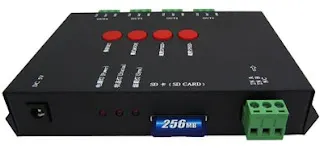
JINX! and LEDEdit are both free, both drive LEDs, and beginners constantly mix them up. They do different jobs: JINX! plays effects live on a matrix from your computer; LEDEdit programs effects onto controllers (T-1000S, K-1000C) that run standalone from SD cards.
Quick Comparison
| JINX! | LEDEdit | |
|---|---|---|
| Price | Free | Free (classic versions) |
| Core job | Live matrix playback from PC | Program SD-card controllers |
| Needs PC attached? | Yes, always | No — controller runs alone |
| Content | Built-in live effects + AVI files | SWF/AVI effects you import |
| Best for | Live walls, testing, shows | Installed, standalone displays |
Where JINX! Wins
Live walls driven from a computer: testing matrices, running shows, mapping output in real time. Free, immediate, no controller purchase needed to start. See choosing JINX! effects and workflows and using AVI effects with JINX!.
Where LEDEdit Wins
Anything that must run without a computer: shop signs, home installs, facades, gifts. Program the SD card once with free LEDEdit and the display runs itself for years.
Using Them Together
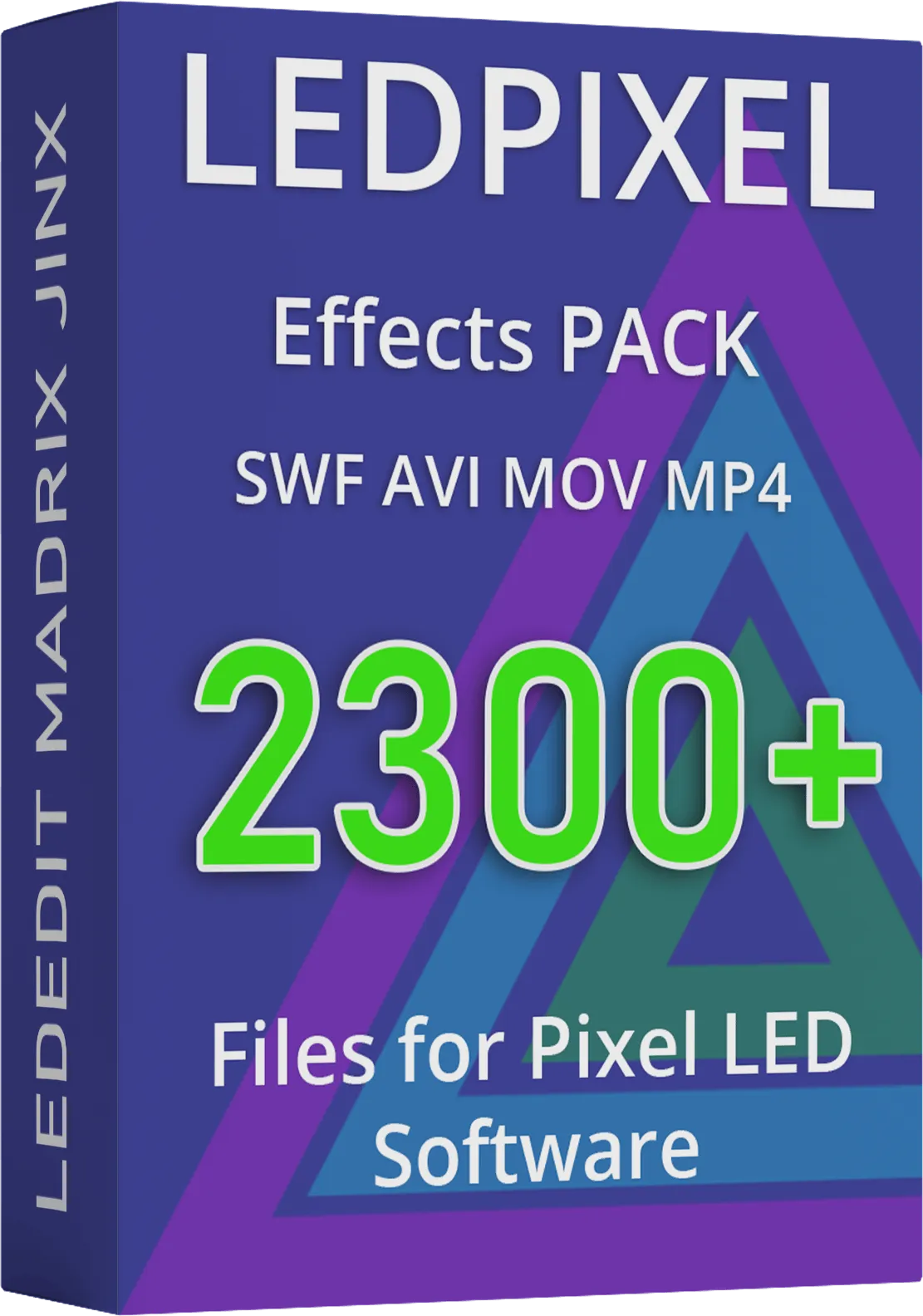
Design and test effects live in JINX!, then export the best ones as AVI and import them into LEDEdit for standalone controllers. The effects tutorial covers moving files between tools, and the €35 effects pack ships formats for both.
FAQ
Can JINX! program a T-1000S? No — that is LEDEdit’s job. JINX! drives matrices live; LEDEdit writes SD cards for standalone controllers.
Can LEDEdit do live matrix playback? Not its strength. For live-from-PC walls, JINX! is the free answer.
Which should a beginner learn first? LEDEdit if you bought (or will buy) a controller; JINX! if you have a matrix and a computer but no controller yet. The programming guide covers both paths.