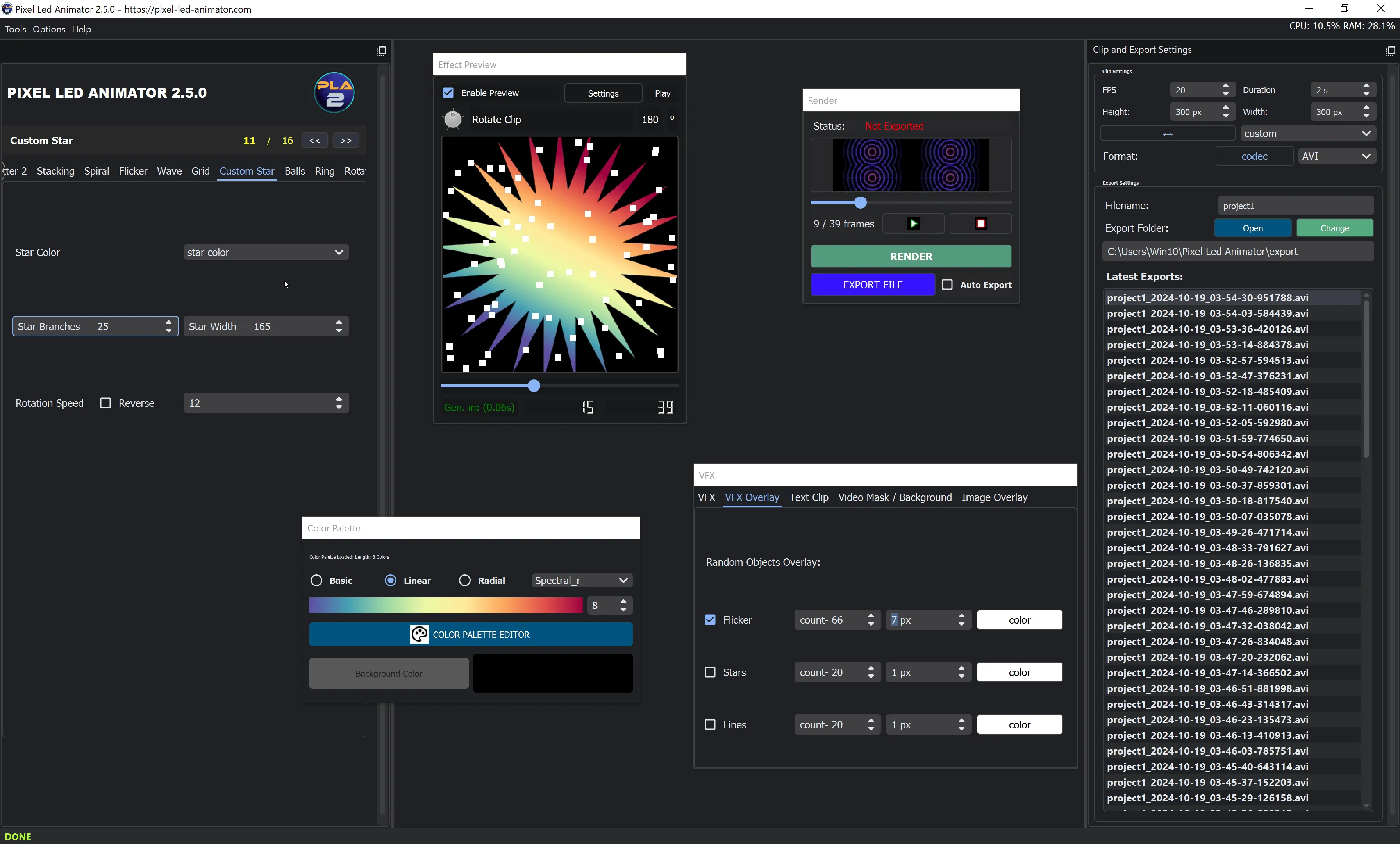
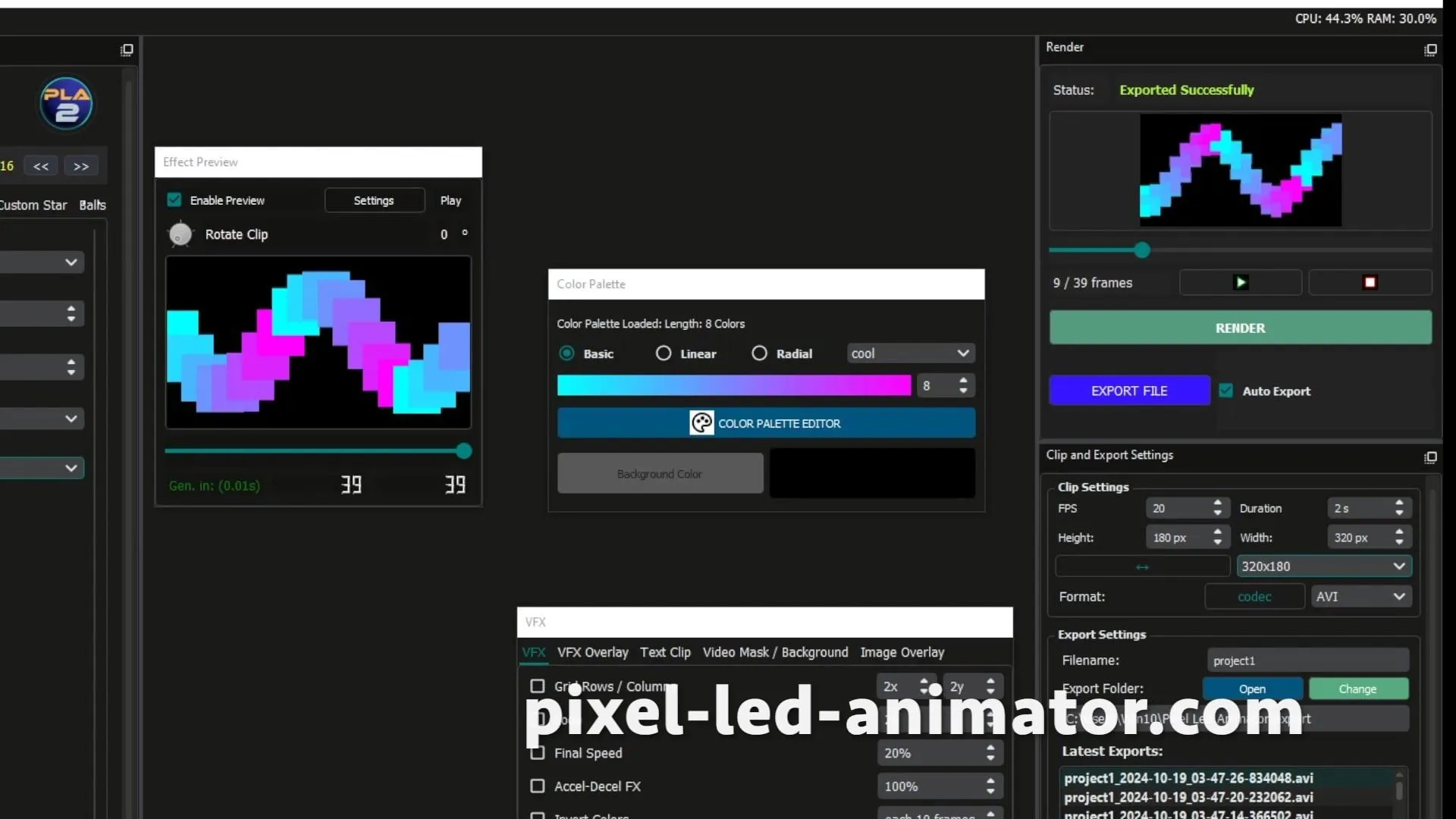
Create Professional AVI Effects with Pixel LED Animator

Looking to create stunning AVI effects for your LED matrix? While Jinx! has basic AVI import capabilities, Pixel LED Animator is the professional choice for creating high-quality AVI effects that go far beyond Jinx! limitations.

🚀 Why Pixel LED Animator is Superior to Jinx! for AVI Effects

Advanced AVI Creation Tools

  • Professional Timeline Editor - Frame-by-frame control
  • Real-time Preview - See effects as you create them
  • Advanced Color Management - Professional color grading
  • Particle Systems - Create complex particle effects
  • Text Animation Tools - Professional scrolling and typography
  • Effect Libraries - 10,979+ pre-built effects to customize

Better AVI Export Options

  • Multiple Codecs - Choose optimal codec for your setup
  • Custom Resolution - Perfect match for your LED matrix
  • Frame Rate Control - Optimize for smooth playback
  • Loop Optimization - Seamless looping effects
  • File Size Management - Balance quality and performance

Jinx! Limitations vs Pixel LED Animator

FeatureJinx!Pixel LED Animator
AVI CreationImport onlyFull creation tools
Effect LibraryNone10,979+ effects
Real-time Preview
Timeline Editor
Custom Effects
Color ControlBasicProfessional
Resolution ControlLimitedFull control

🎯 Professional AVI Effect Creation

Step 1: Design Your Effect

Use Pixel LED Animator’s professional tools:

  • Visual Timeline Editor - Drag-and-drop effect creation
  • Keyframe Animation - Precise control over motion
  • Effect Layers - Combine multiple effects
  • Color Grading - Professional color correction
  • Particle Systems - Advanced particle effects

Step 2: Optimize for LED Matrix

  • Match Resolution - Set exact pixel dimensions
  • Frame Rate Control - 20-30fps for smooth playback
  • Color Space Selection - RGB, GRB, or custom
  • Loop Points - Perfect seamless loops

Step 3: Export as AVI

  • Codec Selection - MJPEG, DivX, or uncompressed
  • Quality Settings - Balance file size and quality
  • Compression Options - Optimize for LED controller
  • Preview Export - Test before final export

Step 4: Import to Jinx!

  • File Transfer - Move AVI to your Jinx! system
  • Import in Jinx! - Use the File Player module
  • Effect Settings - Adjust speed, direction, blending
  • Test on Matrix - Verify on actual LED display

💰 Professional Investment

Free Jinx! vs Professional Pixel LED Animator

CapabilityJinx! (Free)Pixel LED Animator (Professional)
AVI CreationImport onlyFull creation suite
Effects LibraryNone10,979+ built-in effects
Professional ToolsBasicAdvanced editing suite
Technical SupportCommunity forumsPriority expert support
UpdatesOccasionalRegular monthly updates
PriceFree$97 (one-time)

🚀 Get Started with Professional AVI Creation

Download Pixel LED Animator

Download Professional Version

  • 30-Day Money-Back Guarantee - Risk-free purchase
  • Instant Download - Start creating immediately
  • Priority Support - Get help when you need it
  • Free Updates - Lifetime improvements and features

Still Using Jinx! For Free?

If you want to continue with Jinx! for basic AVI playback:

Download Jinx! Free Version

Limited to basic AVI import and playback, no creation tools


🎯 Elevate Your LED Effects Beyond Jinx! Limitations

While Jinx! is fine for basic AVI playback, Pixel LED Animator empowers you to:

  • Create Custom Effects - Not limited to pre-made files
  • Professional Quality - Studio-grade animations
  • Save Time - 10,979+ effects ready to use
  • Future-Proof - Regular updates and new features
  • Better Results - Impress clients with professional effects

Don’t let Jinx! limitations hold back your creativity. Choose Pixel LED Animator for professional AVI effect creation that delivers stunning results!

Pixel LED Animator is the industry standard for professional LED animation and effects creation, trusted by thousands of professionals worldwide for reliability, performance, and professional results.

  • The animation aligns well with your panel’s layout.
  • Colors and brightness are as expected.
  • No lag or stuttering during playback.

Pro Tips

  • Use Transparent Backgrounds: If your AVI software supports alpha channels, you can overlay animations seamlessly on other effects in Jinx!.
  • Compress Wisely: Large AVI files can impact performance; optimize file size without sacrificing quality.
  • Experiment with Layers: Combine AVI effects with native Jinx! effects for dynamic visuals.

Why Choose Pixel LED Animator?

Pixel LED Animator simplifies the creation of custom AVI effects with features like:

  • Easy-to-use interface designed for LED animations.
  • Seamless export options compatible with Jinx!.
  • Advanced tools for creating captivating visuals quickly.

Visit Pixel LED Animator to download the software and take your LED animations to the next level.

Conclusion

Creating custom AVI effects for Jinx! LED software is a rewarding process that allows you to elevate your light shows to new heights. With Pixel LED Animator, your animations can captivate and inspire audiences effortlessly.

Ready to light up the stage? Start crafting your AVI effects today with Pixel LED Animator and bring your LED panels to life!


Have any questions or need further guidance? Drop a comment below or explore the Jinx! community forums for additional tips and tricks.

Download AVI Effects for Jinx!

If u want to get ready-made AVI effects for Jinx! LED software, check out our collection of stunning animations at LedPixel.Net .

The Best AVI Effects for Jinx!

  • Fire and Flames
  • Galactic Nebula
  • Retro Arcade
  • Underwater World
  • Techno Rave

Discover these and more at LedPixel.Net and elevate your light shows with mesmerizing AVI effects!