LedEdit 2025/26 Download — Latest LED Control Software (Free)
Download LedEdit 2025/26 free for Windows. Latest LED control software with new effects engine, 4K video import, and support for all major LED controllers. Free download.
Table of Contents
LedEdit 2025/26
The Most Advanced LED Control Software — Latest Features, Maximum Performance
Experience Next-Generation LED Control
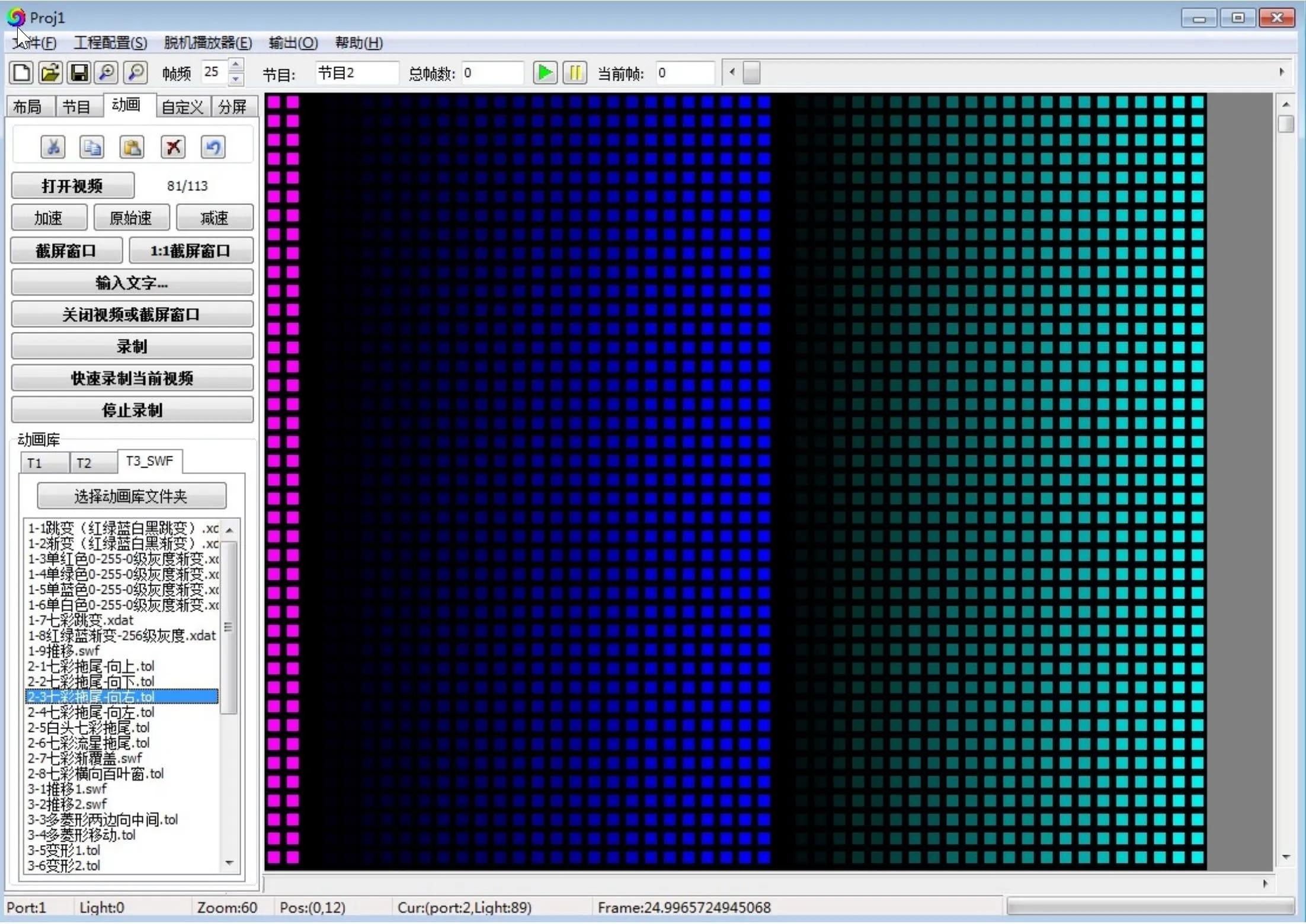
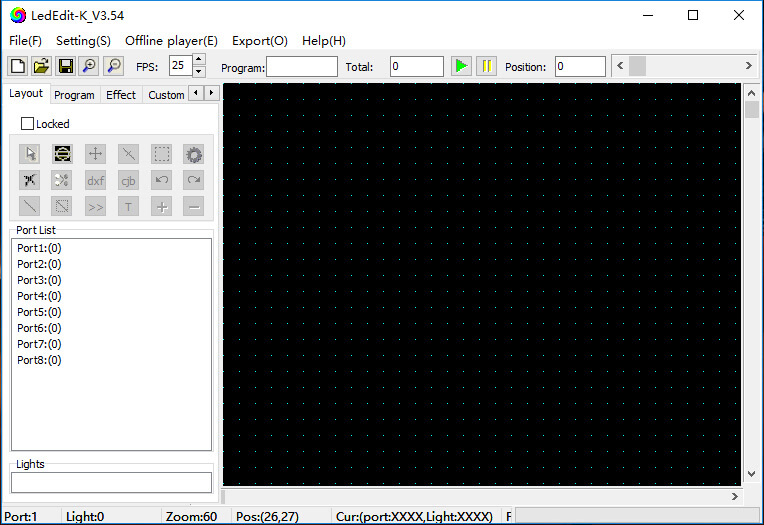
LedEdit 2025/26 is the latest release of the industry-standard LED display control software. Packed with new features, performance improvements, and support for the newest LED controllers, this is the most advanced version of LedEdit yet. Enhanced effects engine, improved pixel mapping, and a modernized interface make this the ultimate tool for LED professionals.
Smoother animations with more blend modes
Optimized performance for real-time preview
Compatible with the latest LED controllers
🚀 What’s New
New Effects Engine
Smoother animations with more blend modes, transitions, and real-time effects processing.
Improved Pixel Mapping
Easier setup for irregular and large-scale LED layouts with visual mapping tools.
Enhanced Video Import
Support for more video formats including 4K AVI, MP4, MOV, and improved codec handling.
Faster Performance
Optimized rendering engine for smooth real-time preview and faster export.
Updated Controller Support
Compatibility with the latest T-series and K-series LED controllers.
Modern Interface
Refreshed UI with better workflow organization and improved usability.
✨ Key Features
Timeline Editor
Precise control over effect timing, layering, and sequencing.
Video Import
Import AVI, SWF, MP4, MOV, and FLV files as LED effects.
Built-in Effects
Hundreds of pre-loaded animations and patterns included.
Real-Time Preview
Full-screen preview before sending to controller.
Multi-Language
Interface available in English, Spanish, French and more.
Custom Resolution
Support for any LED matrix size and configuration.
Schedule Mode
Set automated display schedules for signage applications.
Wide Compatibility
Works with T-1000S, K-1000C and most LED controllers.
📋 System Requirements
Minimum Requirements
- OS: Windows 7 or later (64-bit)
- Processor: 1.5 GHz dual-core
- Memory: 1 GB RAM
- Storage: 500 MB available space
- Display: 1280×720 resolution
Recommended Requirements
- OS: Windows 10/11 (64-bit)
- Processor: 2.5 GHz quad-core
- Memory: 4 GB RAM
- Storage: 2 GB available space
- Display: 1920×1080 resolution
📥 Download LedEdit 2025/26
Free Version Available
Get started with LedEdit 2025/26 today. The latest version includes all the new features and improvements.
Free download • No registration required