LED Controller Programming: Software and Effects Resources
Choose the right software and ready-made effects for T-1000S, K-1000C, K-8000C and compatible pixel LED controller workflows.
This page is a practical starting point for programming pixel LED controllers. It does not advertise a bundle: controller software, ready-made effects and controller hardware are separate products, so each link below goes to the product it actually describes.
Start with the controller and its software
Before choosing effects, confirm the controller model, LED chip type, pixel order, matrix dimensions and SD-card format. T-1000S, K-1000C and K-8000C installations can require different project settings even when the physical LEDs look similar.
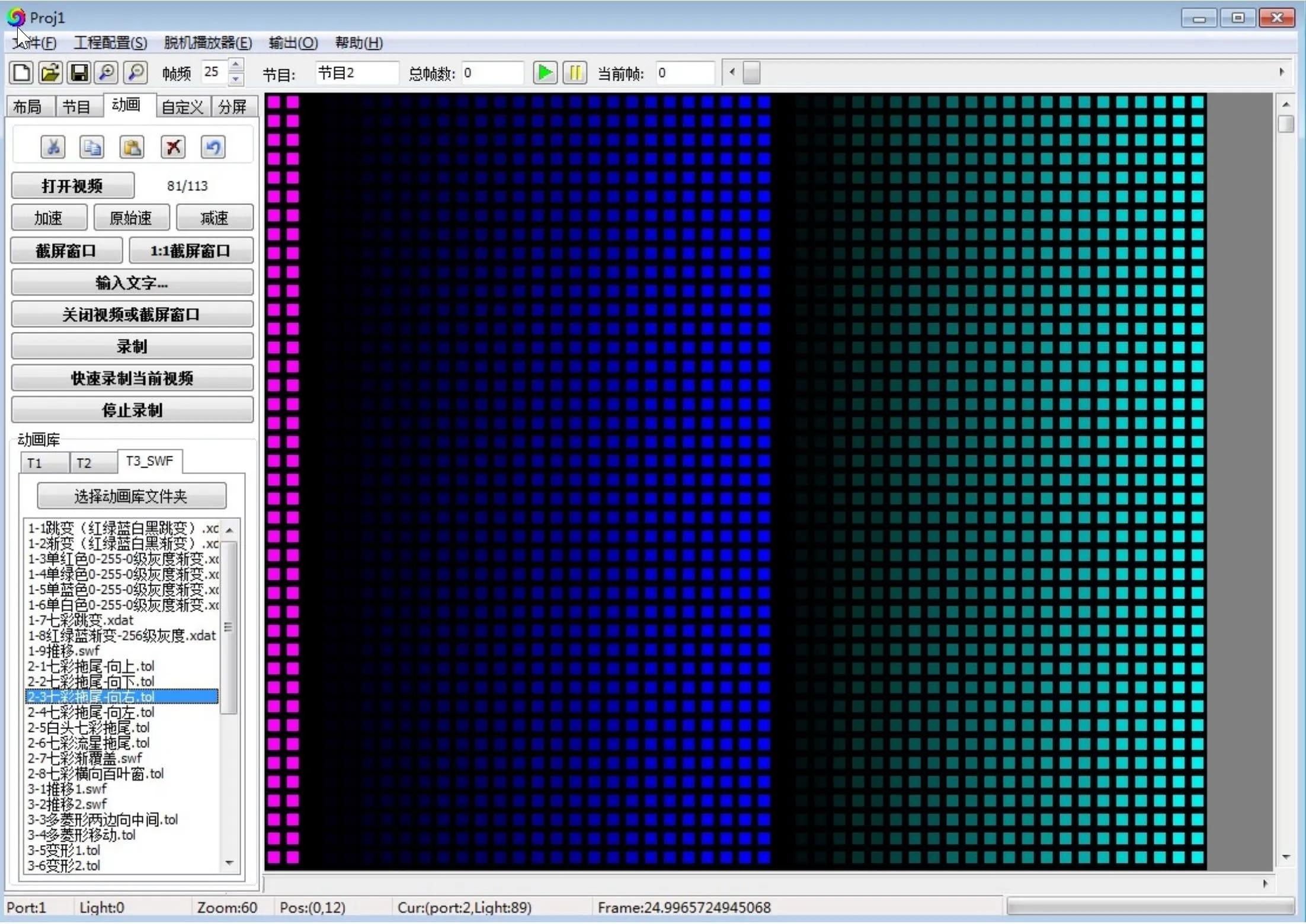
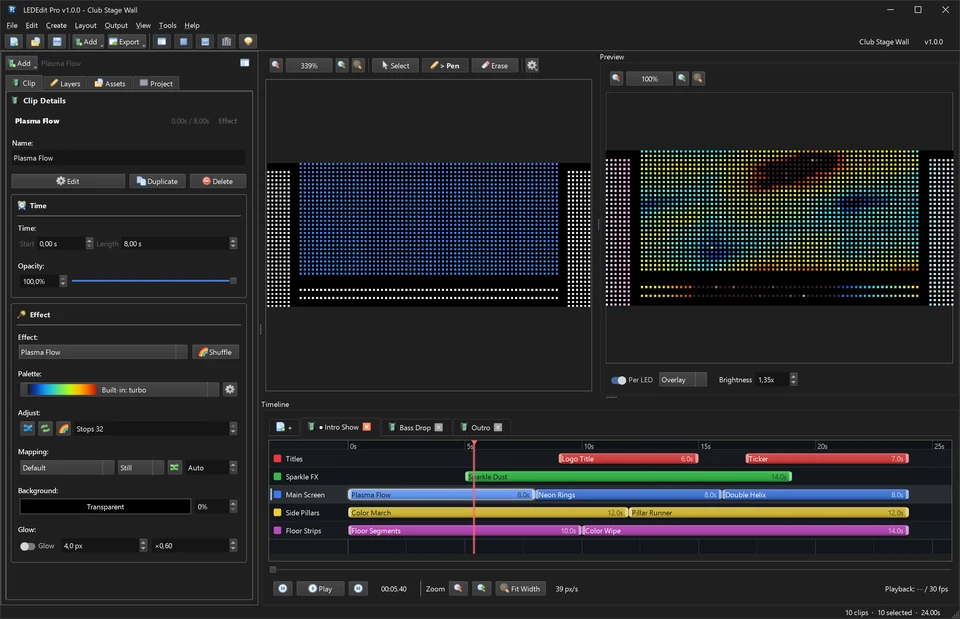
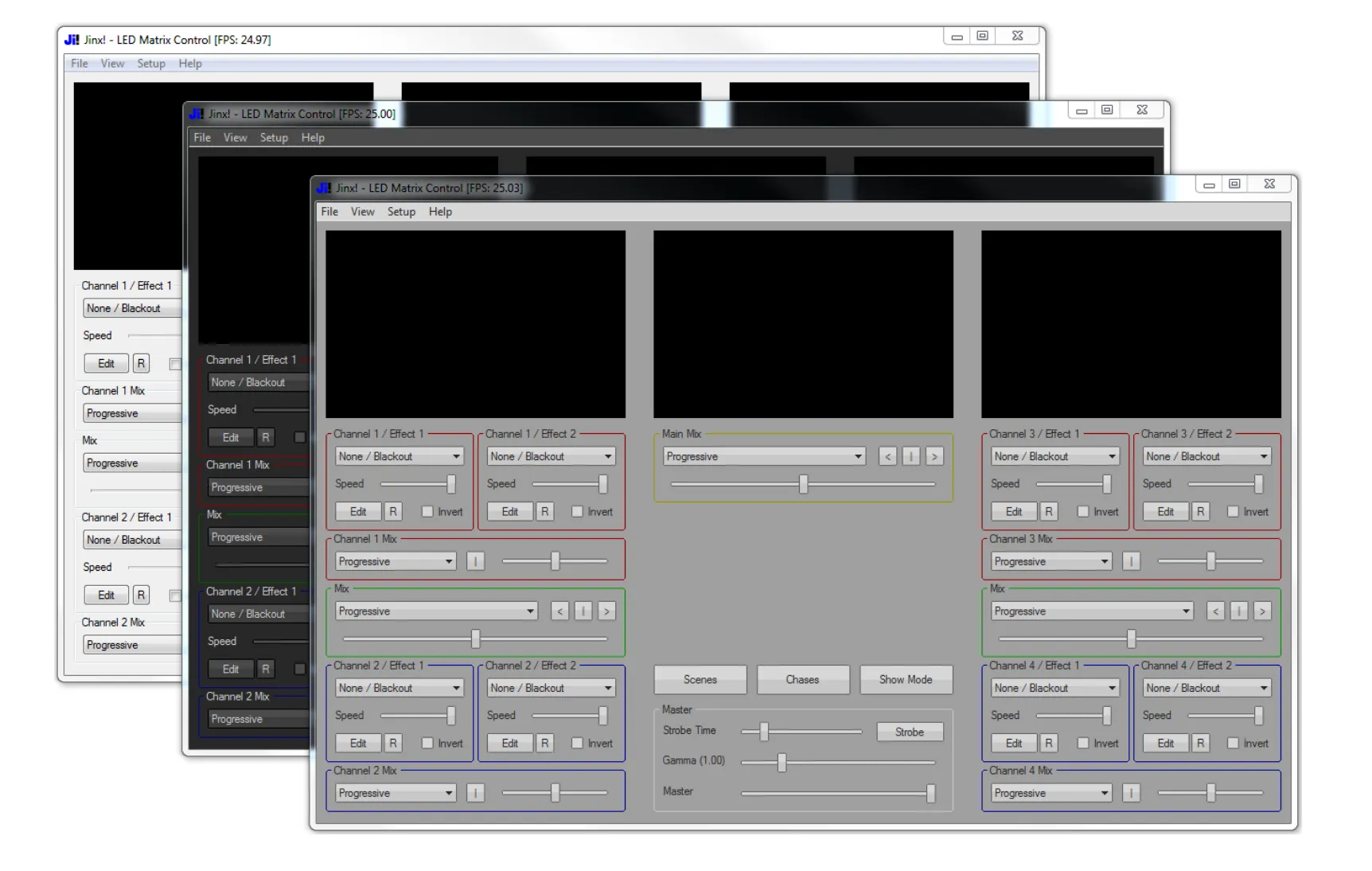
For a modern controller-programming workflow, LEDEdit Pro 2026 provides a multi-layer timeline, LED mapping tools, live pixel preview and .led export for supported controllers. Check its controller and chip compatibility before buying.
Add ready-made LED effects
If you already have compatible authoring software, the LED Effects Pack is for ready-made LED animations. It is not controller software and it does not include a controller. Review the formats and compatibility notes on the checkout page before purchasing.
View the LED Effects PackA simple programming checklist
- Identify the exact controller and LED IC used by the installation.
- Create a project using the panel’s real width, height and wiring direction.
- Test a short export on one panel before copying it to a full installation.
- Keep a backup of the working controller settings and SD-card files.
- Only use effects in a format your chosen software and controller support.
Controller guides
Use the controller pages on this site for setup details and troubleshooting:
The right choice depends on the controller documentation and your project, not on a one-size-fits-all package. Always test an export on the actual hardware before an installation or event.